Here’s the bug your AI generated. I’ve seen this bug reported numerous times in the past several years so I don’t have much hope it will be fixed, but figured I’d re-report anyway
Description:
When using my Glide app as a PWA via “Add to Home Screen” on iOS (tested on iOS 18 through iOS 26.2), the navigation bar buttons are cut off after switching from portrait to landscape and then back to portrait. The issue does not occur in Safari or Chrome browsers on iOS, and does not affect Android devices under any conditions.
Steps to Reproduce:
Open the app on an iOS device via “Add to Home Screen.”
Start in portrait orientation.
Rotate the device to landscape (app switches to desktop form factor).
Rotate back to portrait (app switches back to phone form factor).
Observe that navbar buttons are visually truncated/cut off.
Temporary Solution:
Force-quitting and restarting the app restores the navbar, but this isn’t a reasonable action to expect of end users.
Additional Details:
Issue occurs across multiple iOS versions (18 through 26.2).
Not reproducible in browsers on iOS or anywhere on Android.
The form factor switch triggers the rendering bug.
We’ve tested this but cannot reproduce the behavior you’re describing. Can you please provide a screen recording and any other device-specific details about the device you’re testing with? Have you tried different devices? Do you have any magnification settings enabled on your device?
No magnification settings but I only tested on two iPhone SE phones (3rd gen) and an iPad Pro. The issue doesn’t occur on the iPad Pro (the navbar is always at the top on that device).
If you tested on one of the newer iPhones that are all screen, then this bug may only affect smaller iPhones such as the SE.
I can try to test on a larger screen phone tomorrow. I won’t have access to one until then.
Switch to landscape mode and then back to portrait and tell me if the navbar buttons are cut off after switching back to portrait. Or if the amount of space under the icons changes at all, too.
How about creating an entirely new app from scratch and creating 3 screens (no need to add data or anything else, it’s just for testing purposes): what happens when you test portrait > landscape > portrait ?
If the icons appear as expected, maybe we can assume that the problem stems from the original app.
If the icons do not appear, I think we can conclude the issue is not your app. It would either be Glide or your phone.
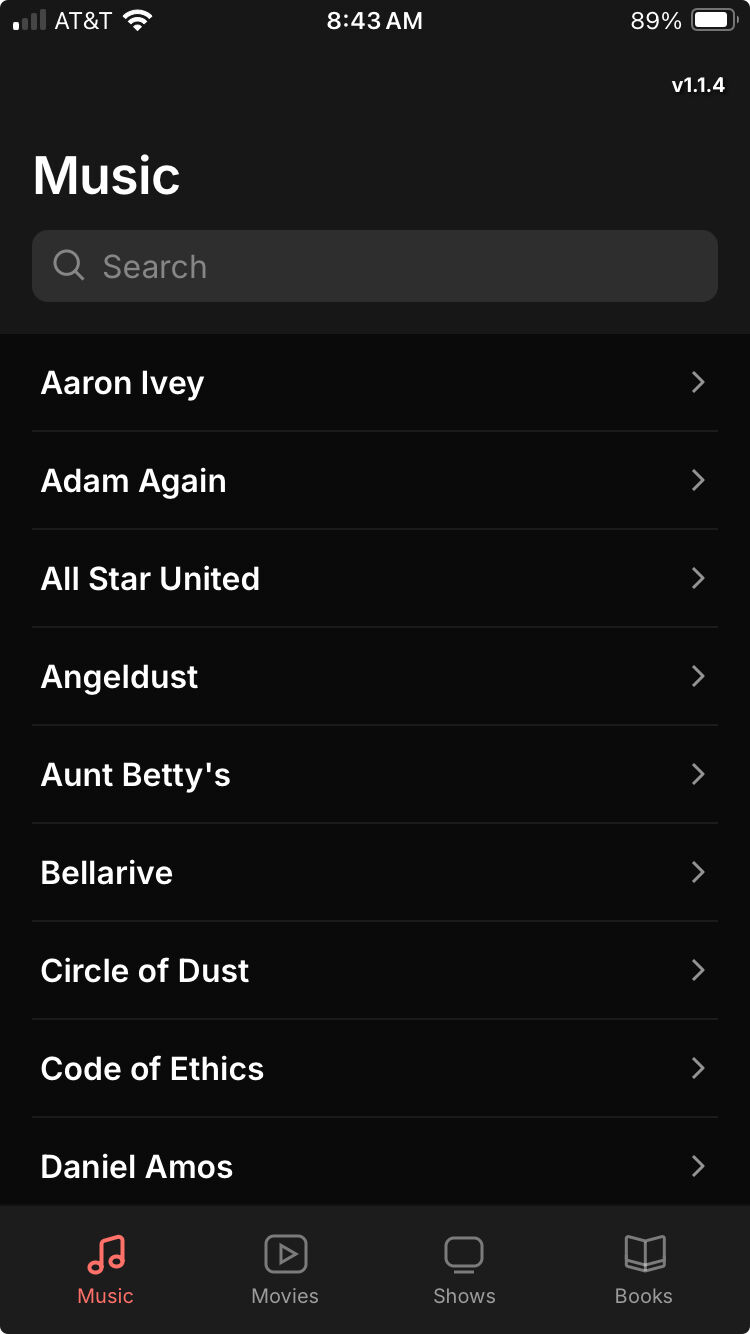
Same issue. To be clear, it only happens after adding the app to the home screen and opening it from there. Oh, I already mentioned that I guess. Screenshot:
Since it happens on two phones, I doubt it’s “the phone”… but probably “the phone’s screen size”, since both phones have the same screen size (both are iPhone SE 3rd gen).
This seems to be a bug, and your workaround isn’t all that easy to implement (“Force-quitting and restarting the app restores the navbar”).
For you this bug is quite unfortunate bug as it might affect your daily usage of the app. Hopefully it’s an edge case. Notifying Glide again so they can assess the severity of the bug.
Yeah, someone from the team did get back to me at the time and basically said they weren’t planning to prioritize it because they had bigger issues to tackle.
Looks like the issue is still happening after all. I forgot it required changing orientations. I was thinking it just happened when switching apps or something. I can live with it.