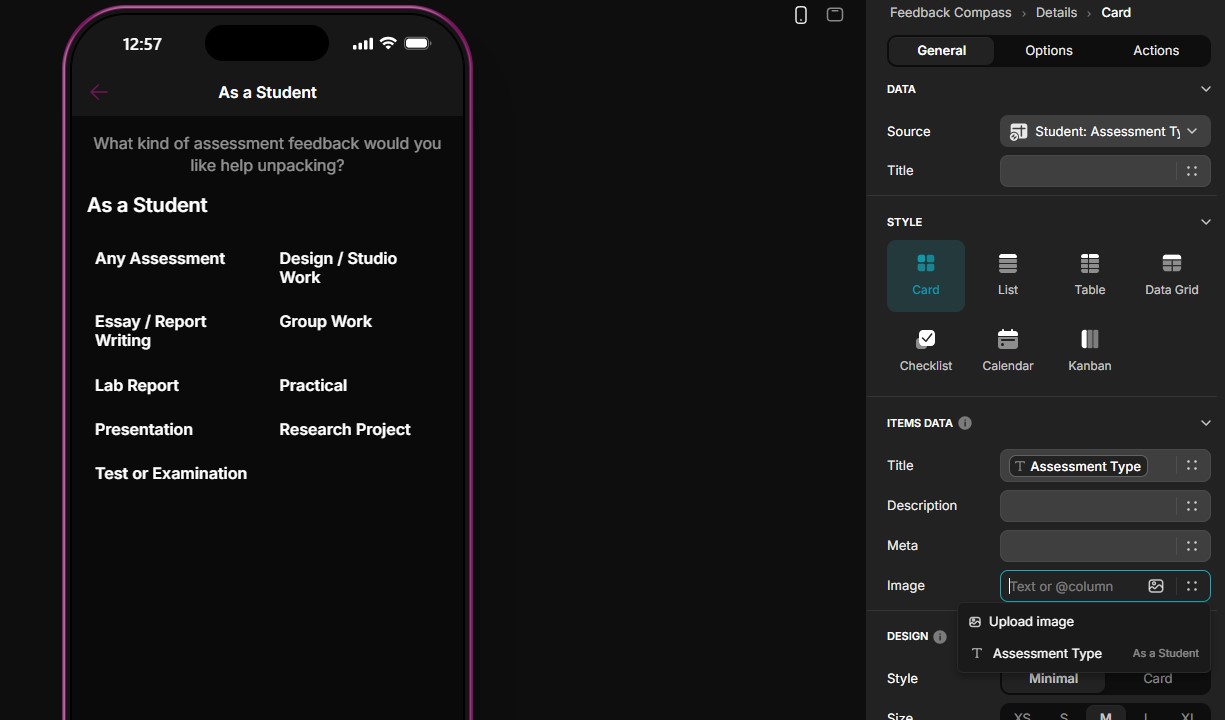
I made a landing page where there is a list of items. Then, I want to asign different sources (data) to each item on the list. But as soos as I click on the first Item, and assign the source, it applies to all the the items. I tried to select a different souce on item 2, but then item 1 is changed to that source too.
But if I now want to go to essay, the same content of any assessment is there. And if I try and change the source to student - essay, and navigate back to any assessment, the content change to the source student - essay.
You are showing a collection as you “sub menu”. That collection is sourced from a table. When you show the detail screen, it’s showing a specific row for that same table that sourced that “sub menu”. The detail screen design is linked to that table and is meant to be data driven, meaning each item in the collection takes you to the same detail screen and the only thing that changes is the data on that detail screen. This makes sense because imagine having thousands of items in your collection–you wouldn’t want to have to create thousands of individual screens.
In your case you are adding another collection to the detail screen and setting it’s source. That is changing the detail screen design that is linked to the sub menu table.
To do what you want, you need to change the action on your sub menu collection to a workflow. In that workflow you need conditional branches for each item and each branch will then call the “Show New Screen” action. That way each sub menu item travels down a separate workflow branch and open an independent new screen separate from all others.