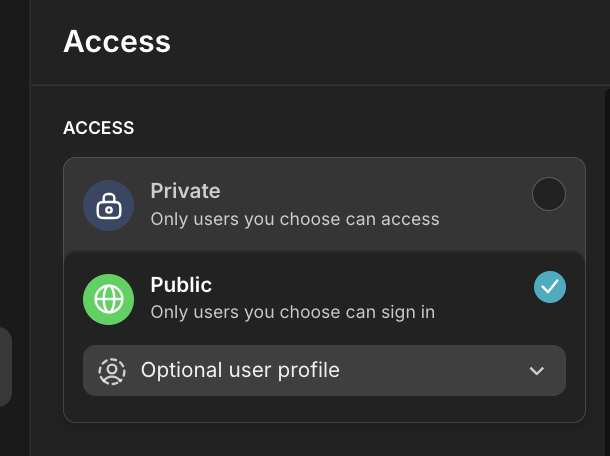
I’m currently using the Explorer plan on Glide. I’ve built a simple app that anyone can access without logging in. However, I want certain features to require sign-in, so that when a user tries to use them, the login screen appears.
I understand that when I’m building the app while logged in, any button with a “Sign In” action will automatically disappear from my view — that’s expected behavior. But even when I test the app on a mobile device as a public (non-logged-in) user, the button still doesn’t appear, and the sign-in functionality doesn’t work at all.
I’ve set up a button with the “Sign In” action, but it’s completely invisible to users who aren’t logged in. There’s no way for them to trigger the login screen. I’m not sure what I’m missing, and I’d really appreciate help from the community or support team to figure out how to properly enable sign-in for specific features.