Title:
Report Output Not Showing Quantities After Survey Submission
Hi everyone,
I am a complete novice to the APP world and have been tasked with
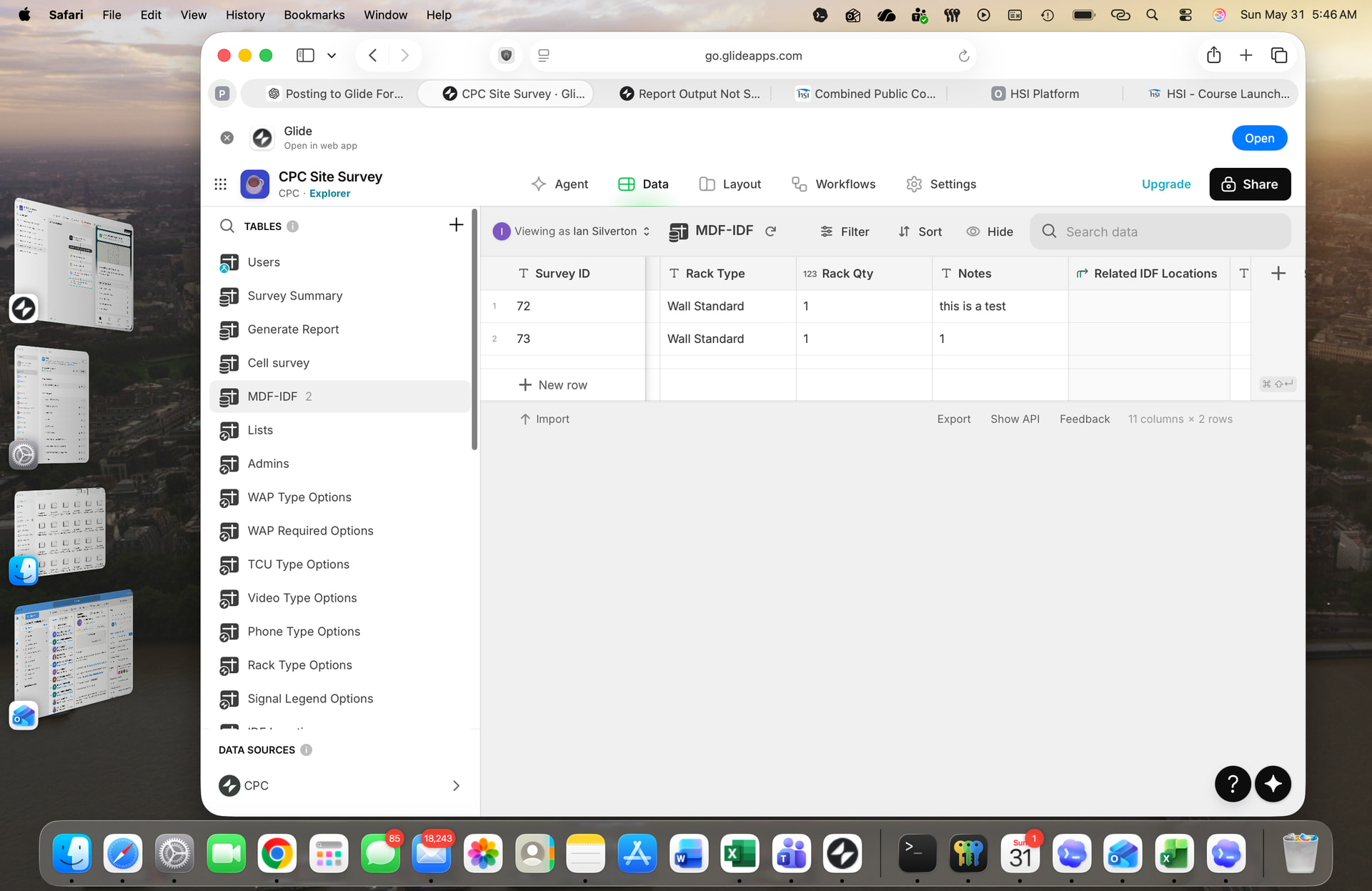
building a site survey app to be used by technicians so standardized information can be captured and sent in the warehouse for parts pulling. I am having trouble with my report output after a survey is completed and submitted. The results are sent as csv format. I only see the following report lines as output, but no quantity values are displayed—just the headings:
- Total TCUs
- Inmate Teguar Units
- Tablet Units
- Total Phones
- Total Cable Runs
- Total Rack
- Wall Standard Rack Qty
- Wall Extended Rack Qty
- Floor Short Rack Qty
- Floor Extended Rack Qty
- Total WAPs
- Teguar Visitor Units
- Notes
Each of these lines should display a quantity or value next to it. The values are being recorded in my tables (for example, in the Survey Summary table and others), but I’m not sure how to properly display these quantities in the report output or on the final screen.
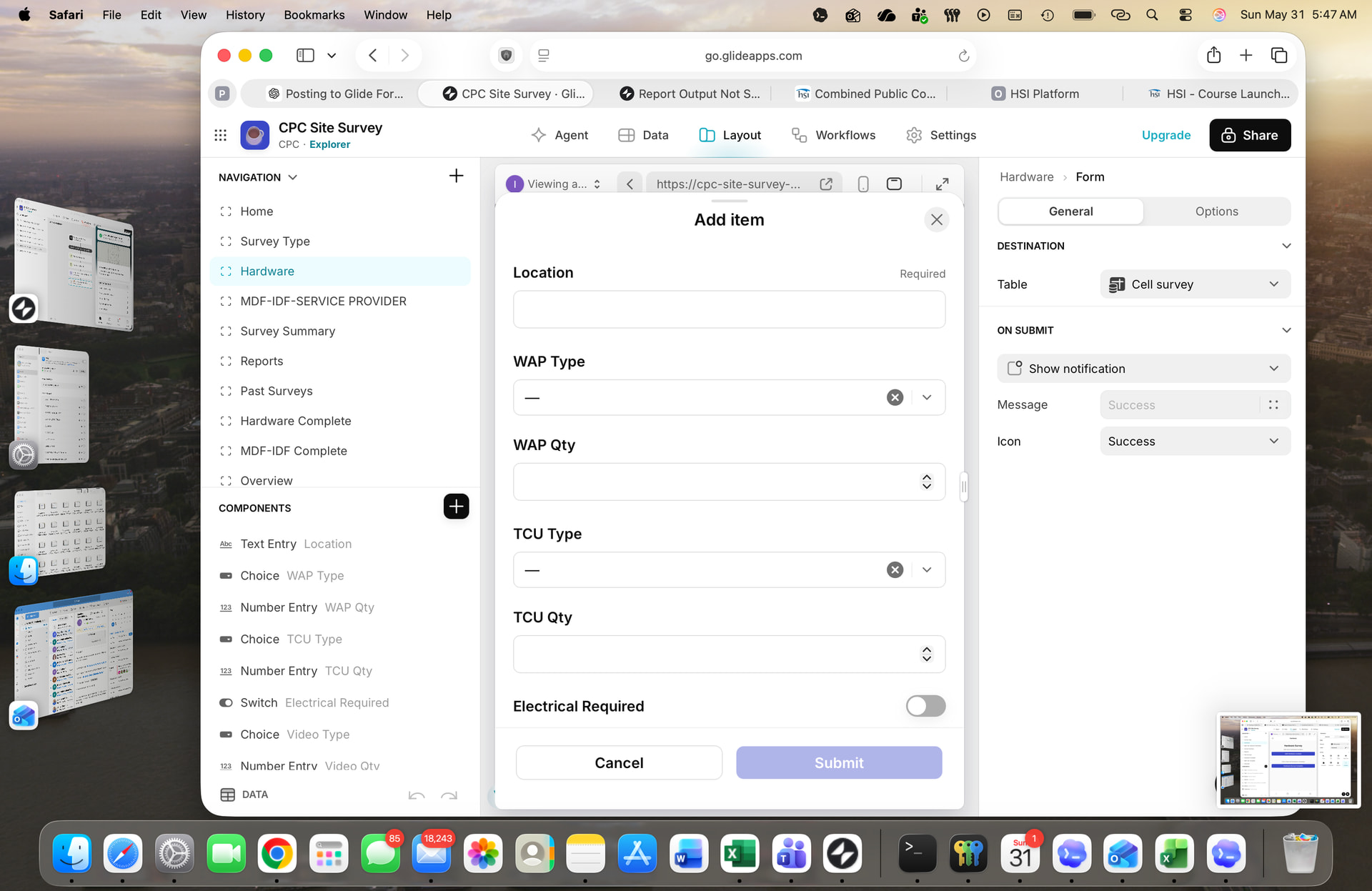
Is there anyone that can take a look at my layout and guide me in the right direction? This final step has become very frustrating.
Questions:
- What is the best way in Glide to display the values from my table(s) next to each report line after survey submission?
- Should I use a certain layout or component?
- Any tips for ensuring the correct data is mapped to the correct report line?