Sharing a little CSS magic I’ve been working on! 
What if you could switch between a top navigation bar and side bar dynamically in Glide?
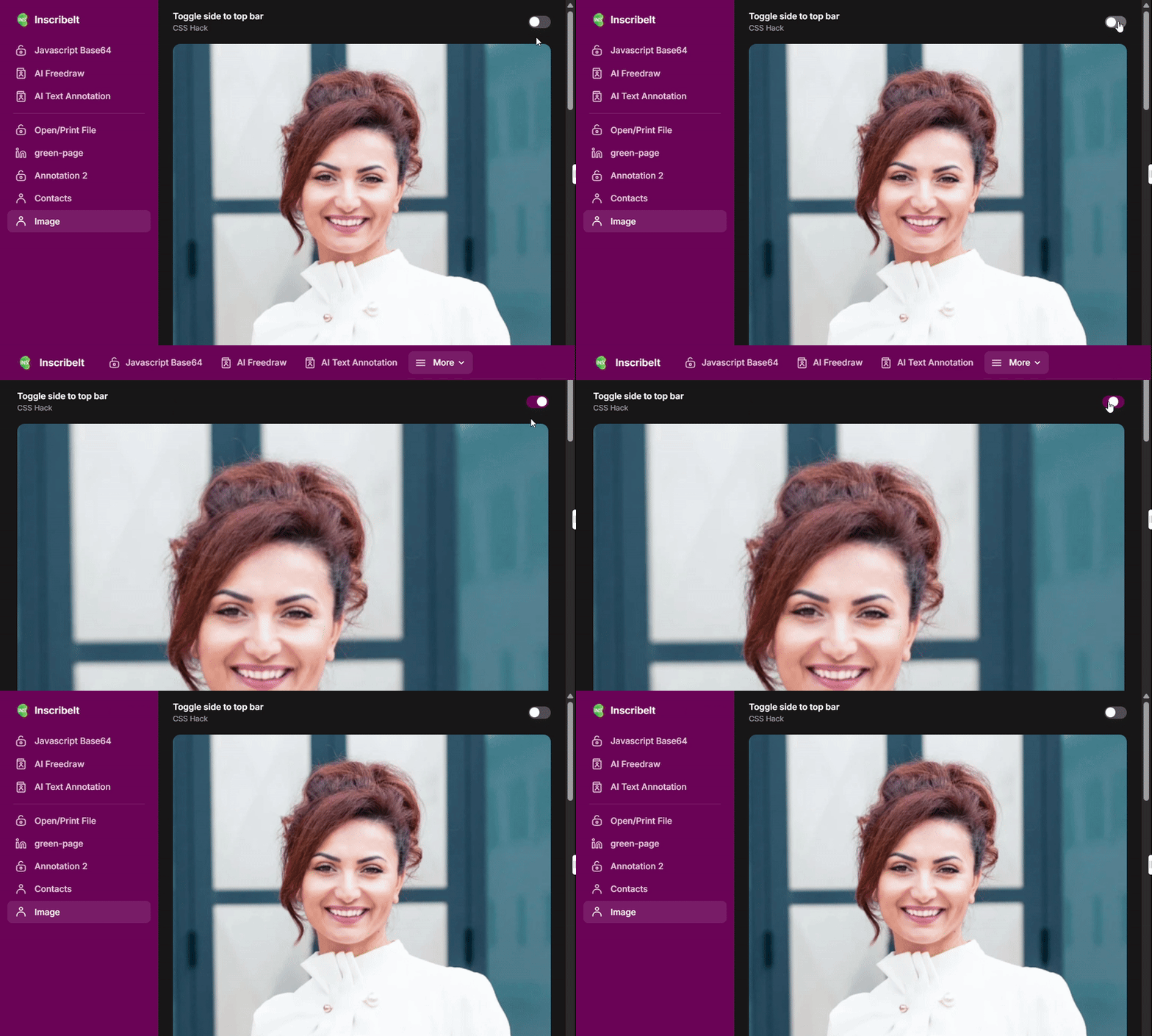

Sharing a little CSS magic I’ve been working on!
What if you could switch between a top navigation bar and side bar dynamically in Glide?
Can you provide the solution? This is amazing!
It’s not really about the CSS — both bars are already in the DOM. Once it’s clear when and how to show or hide them, the rest falls into place. I’ve already shared enough clues in earlier posts, so it should click if following along.
Earlier I temporarily lost the code in the DOM, so I traced it back and reconstructed it to share here.
The default layout setting is the left layout (sidebar), and .topbar is the marker class for the top-bar layout.
Here is the CSS:
#page-root:has(.topbar) #nav-root {
    display: flex;
}

#page-root:has(.topbar) .has-tab-bar .group {
    display: none;
}

#page-root:has(.topbar) .has-tab-bar {
    flex-direction: column;
}