Hello,
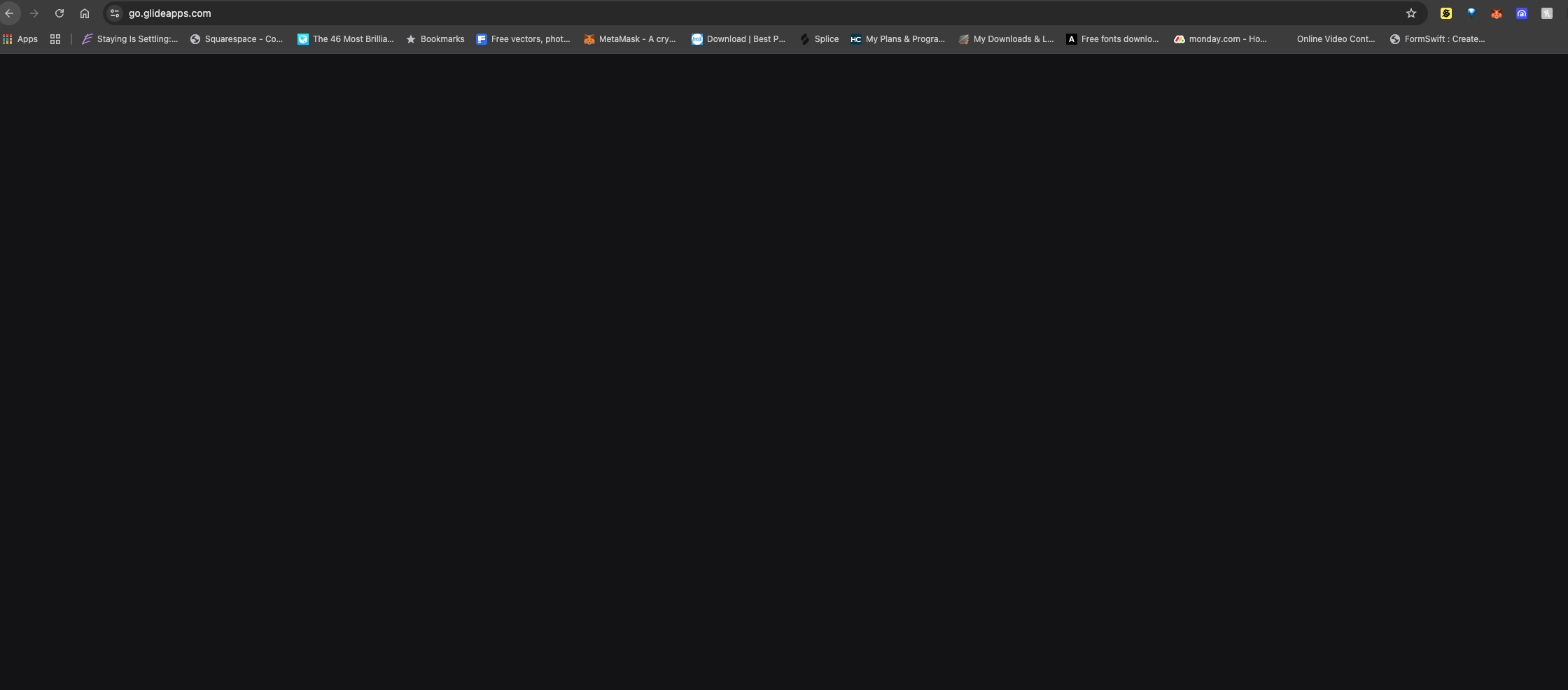
I’m trying to build out my first app with Glide and every time I click on “start free” on desktop it goes to a blank screen. I’ve tried in Incognito and different devices, still just a blank screen. How can I access glide?
Hello,
I’m trying to build out my first app with Glide and every time I click on “start free” on desktop it goes to a blank screen. I’ve tried in Incognito and different devices, still just a blank screen. How can I access glide?
Can you show a loom of the issue please?
Here is the loom video I recorded
Ignore the pop up screen thats just the Loom extension.
I’ve tried several browsers and even tried at a coffee shop. I don’t think its anything to do with my system at this point.
Would appreciate any help on this
Thanks.
What happens if you just navigate to https://go-glideapps.com ?
Can you oepn dev tools with “F12” and see if there are any logs?
Thats what happens @Darren_Murphy when I click that link.
@MaximeBaker Not sure where to look in the inspector but here are screenshots i’ve taken.
Let me know if you find anything.
Can you try this URL: https://go.glideapps.com/
Same thing its just blank @ThinhDinh
I tried this link again in incognito mode and i got to the log in screen and I logged in using google and then it goes back to this blank screen. i’m using chrome but i have also tried MS Edge and safari with the same problem just blank screen. I am in Houston TX USA, btw IDK if that makes a difference.
Apologies, I gave you the wrong link.
It should be https://go.glideapps.com
@Darren_Murphy I believe thats the same link @ThinhDinh provided earlier, and its still just a blank screen unfortunately.
I. The dev tools, share all errors you see in the console.
@MaximeBaker Sorry I am not a developer, but is this not all the errors in the console?
How else do I show all errors in the console?
That’s what I wanted yes. It seems there is no error from Glide. By any chance, have you tried on a different network?