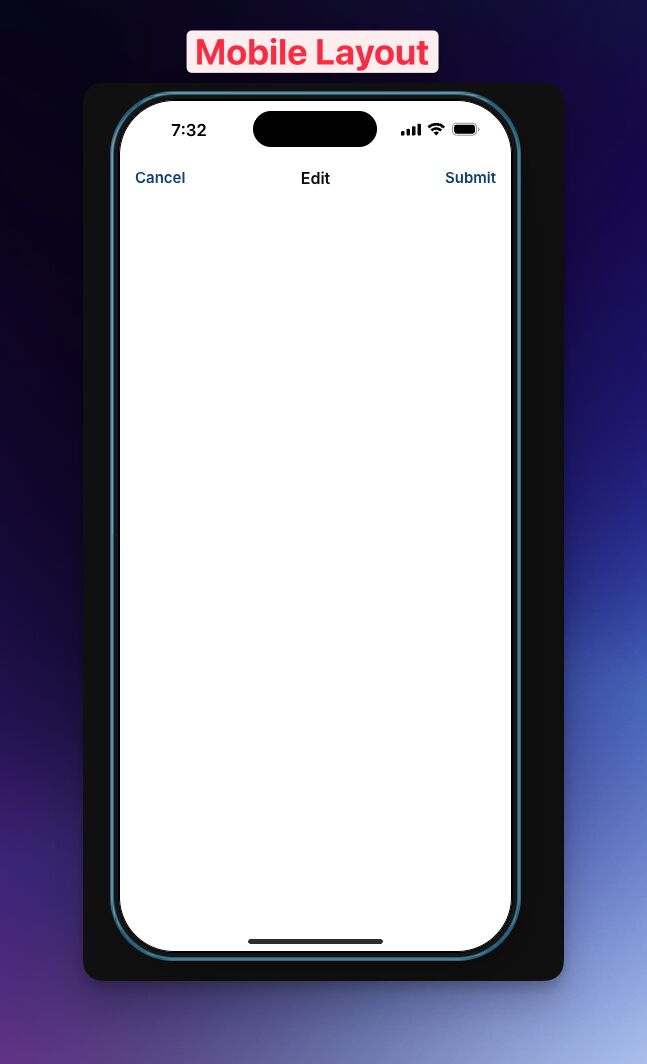
I have a screen (I don’t know the difference between various types of Glide screens). This one was reached by an action: Show Edit Screen. It has a couple of fields on it for the user to fill out, and then there is a Cancel and Submit text (no button, just text words) at the top of the screen. Since several other of my screens have proper Cancel and Submit buttons at the bottom of the screen, this confuses my users. They are looking around for these Cancel and Submit buttons. I’ve noticed I get to these screens through a different action: Show Form Screen. Wondering if it would be at all possible to get the same Cancel / Submit buttons at the bottom of the Show Edit Screens? Thanks
Can you share more about your use case. What are you trying to edit inside a form screen? Forms are usually for adding new information, so I wonder the use case of your edit button here.
It’s the last step in a sequence between a customer and service provider (a restaurant server). I just want to know 1) how many customers were served on this bill, what the customer paid (as it is donation based cafe) and then how they paid (cash or card). Once this is submitted the transaction is essentially complete. Form looks like this…
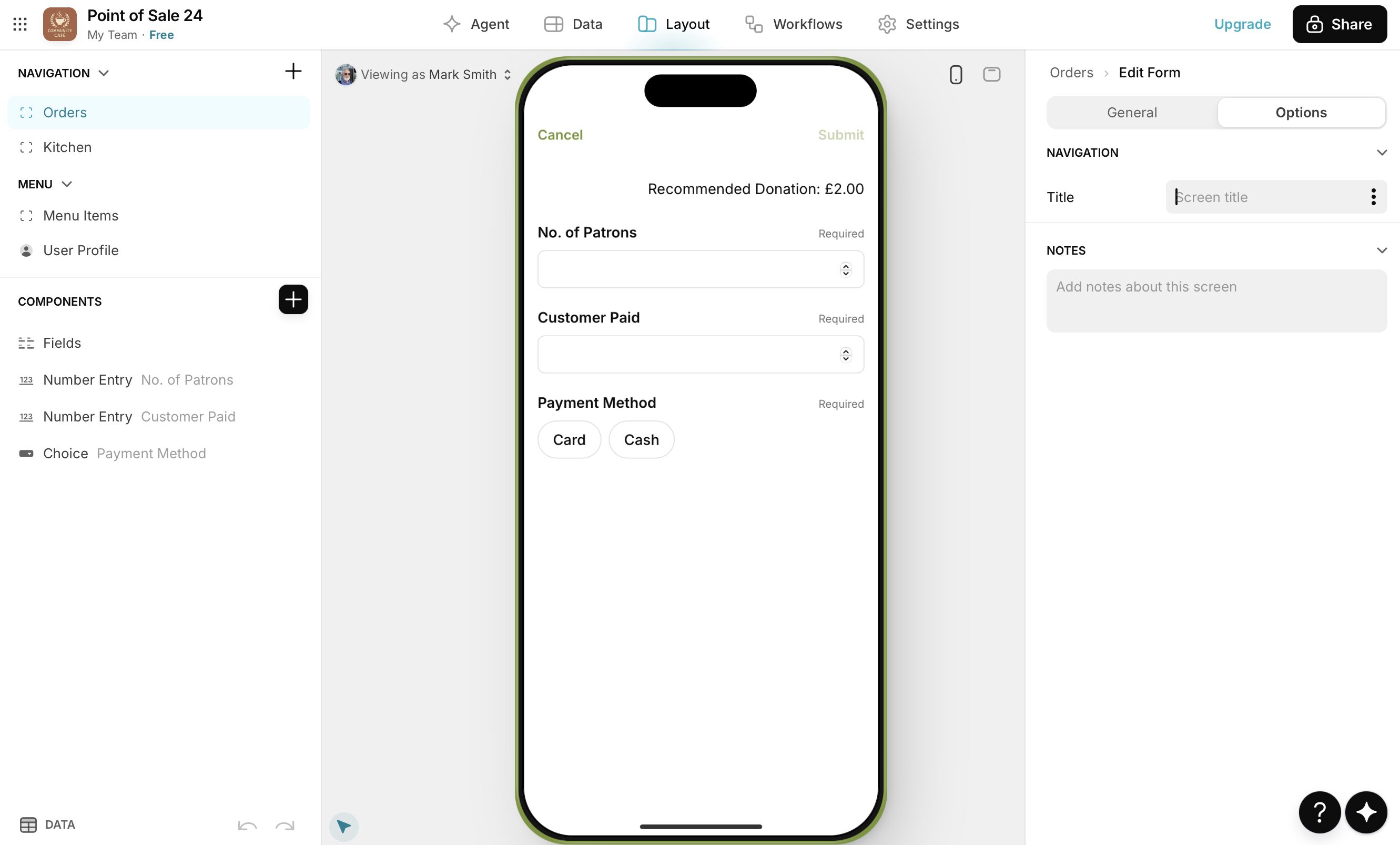
I’d just like to add a big (wide) Submit button under this list of variables so they don’t waste time hunting around for it.
Many thanks
Can you clarify some more–is the purpose to add a new row when you click submit or edit an existing row? Your description sounds like you are adding new rows, but I see you are using an edit form to edit an existing row.
In relation to this thread as well as your other thread, will users primarily be using mobile devices or a PC when using your app? Certain things including form buttons and the plus button on a collection will appear differently depending on the screen size. For mobile devices, you could build a custom form and add buttons the way you want, or possibly use a form container instead of a form if your goal is to add instead of edit rows.
Just need to understand your goal to point you in the right direction.
Hi Jeff, yes I am editing an existing row