I am trying to create a habit tracker. I have created a habit page where users can browse pre-made habits and then ‘adopt them’. Once they are adopted they go to the users daily tracking page and are on the their list of habits.
I want users to be able to see their habits each day and then tick them off and keep a log of days they achieved habits and missed habits. Glide keeps telling me I need to use template columns and relation columns which is not working as Glide it is telling me to relate 3 columns and glide only lets you relate 2.
Can anyone help me. I am getting really disheartened.
I would have a users table, habits table (where user’s habits are that includes their userID), daily completed habits table (which has the user id and habit id added when a habit is completed), and a table of pre-made habits to choose from. The Habits Table would have a query to the completed habits table linking a completed habit row for the current day. If empty then the app would show the habit as needing to be completed. Once done the appearance of the habit can change (like a checkmark or star).
I have completed the first part you have mentioned but could you please walk me though this part - ‘The Habits Table would have a query to the completed habits table linking a completed habit row for the current day. If empty then the app would show the habit as needing to be completed. Once done the appearance of the habit can change (like a checkmark or star).’
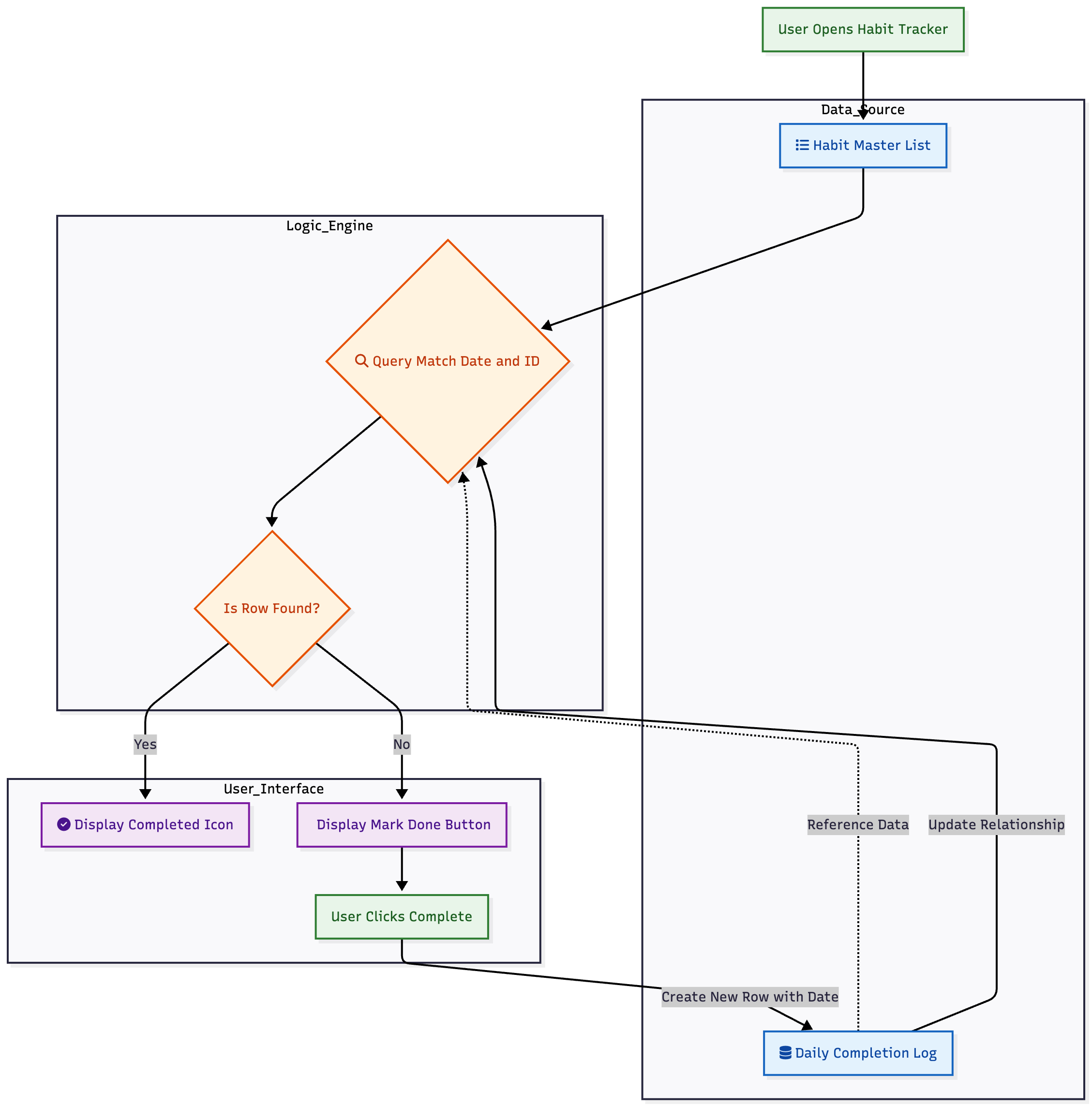
I think this represents what he means. Can you show us what you have set up?
The “template column → relation column” (creating matching keys in two different tables) suggestion is a bit outdated (though still perfectly feasible). We now have access to Query columns instead.
That being said, I’d set it up like this:
Hi
I think I Understand what the graphic means but I am confused at the logic centre the query in the data sheets ?
Do you mean you want to explain more about the logic for the query column?
Can you show us what you have at the moment in some screenshots?
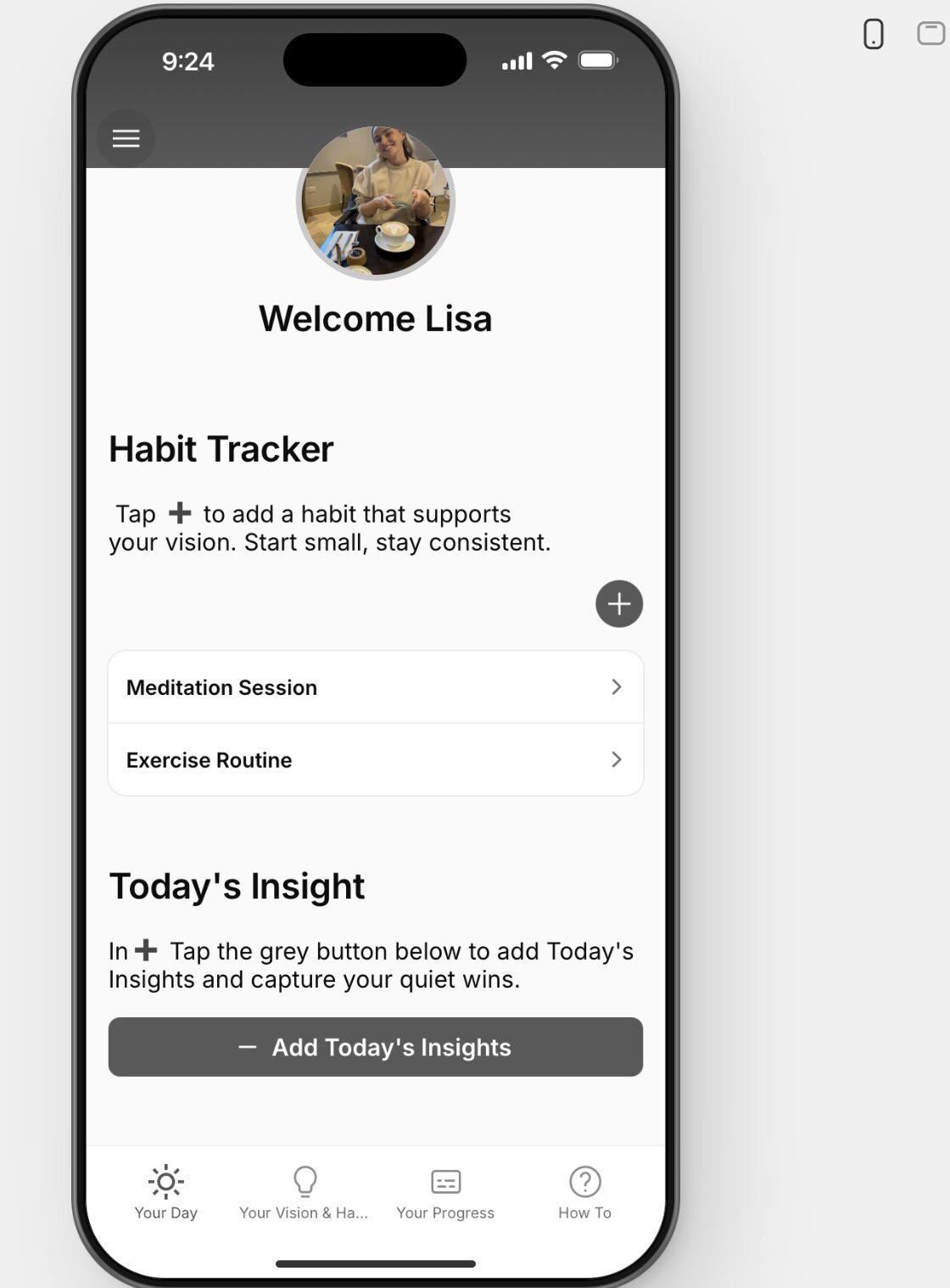
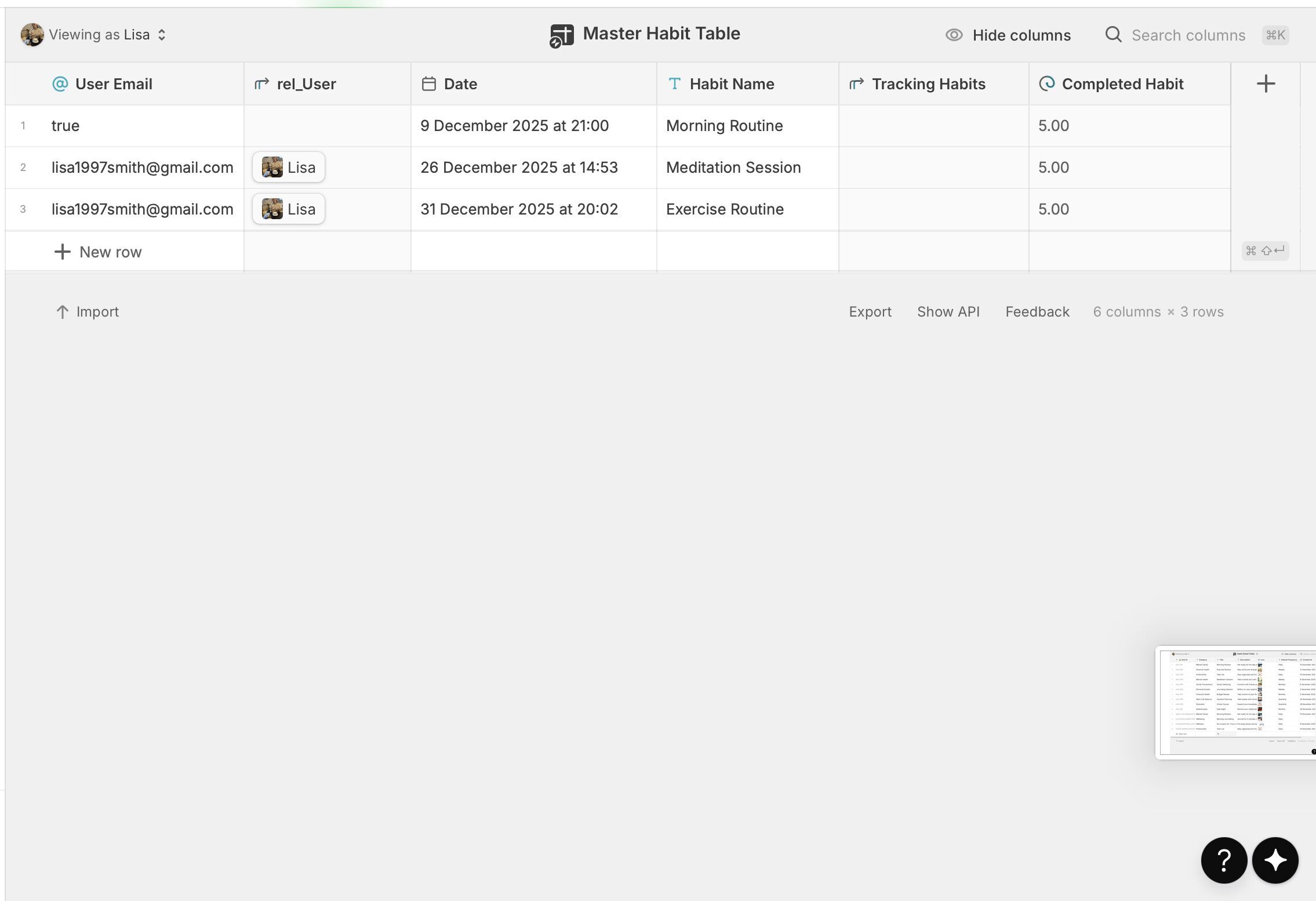
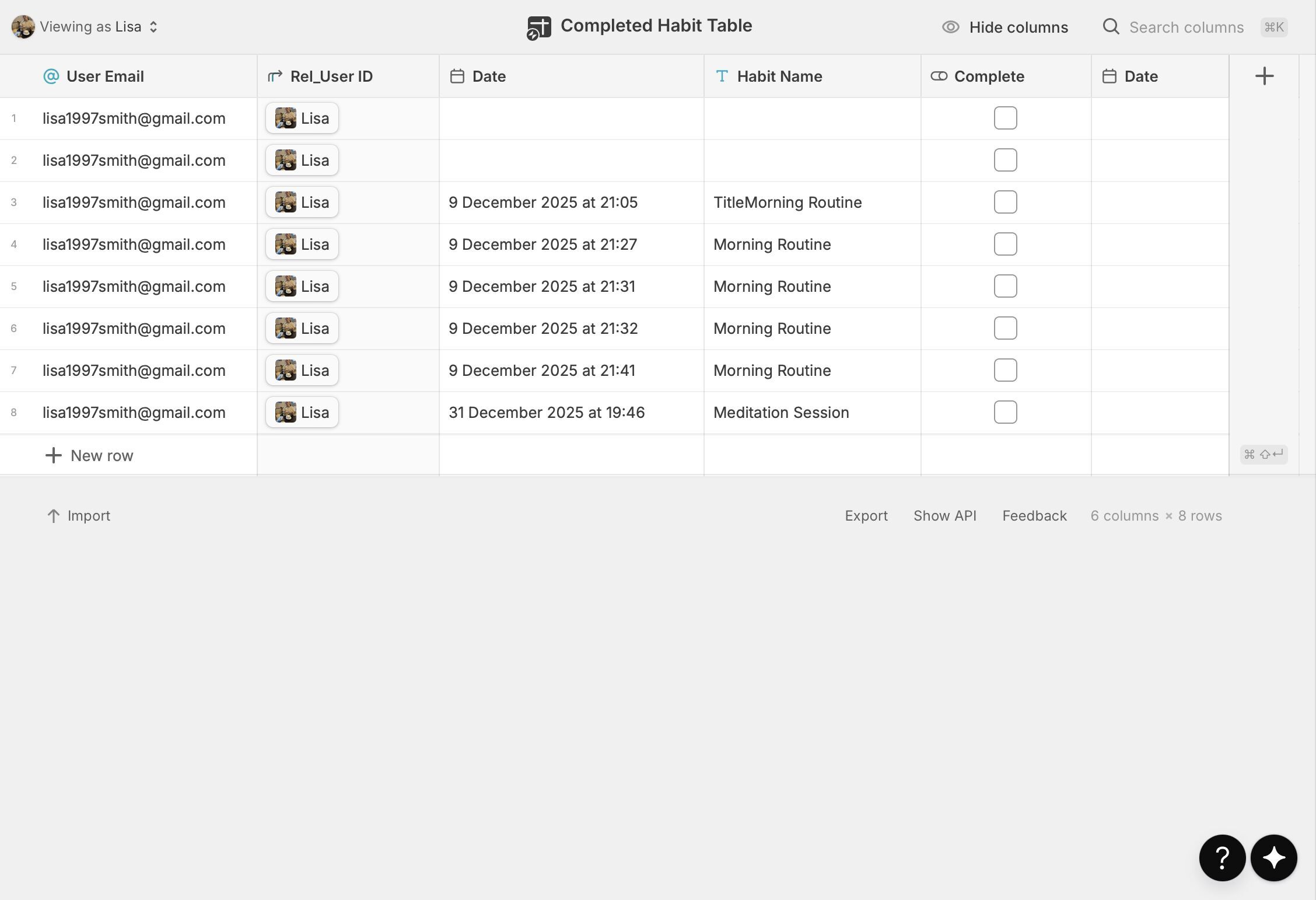
This is some screenshots of what I have so far. I have tried to do what you have recommended but I do not think I am doing it right. Any step by step instructions would be greatly appreciated.
Also, sorry for the slow reponse I was away and had limited wifi
Okay, let’s break down this habit tracking system into simpler terms.
You’ve got the right idea with two main tables:
-
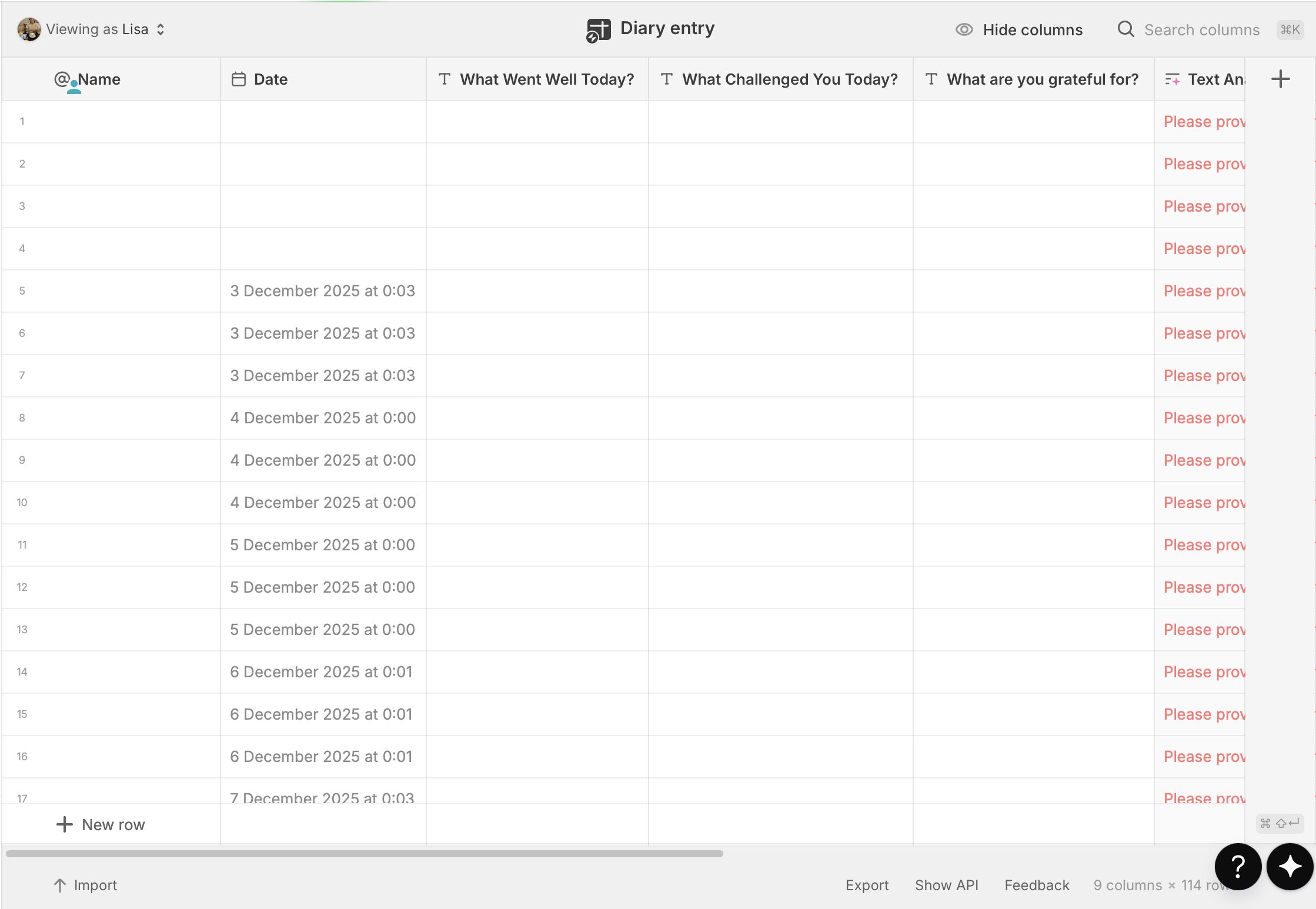
Your “Master Habits Table” (the first image): This is where you list all the habits you want to track. Think of it as your main list of tasks.
-
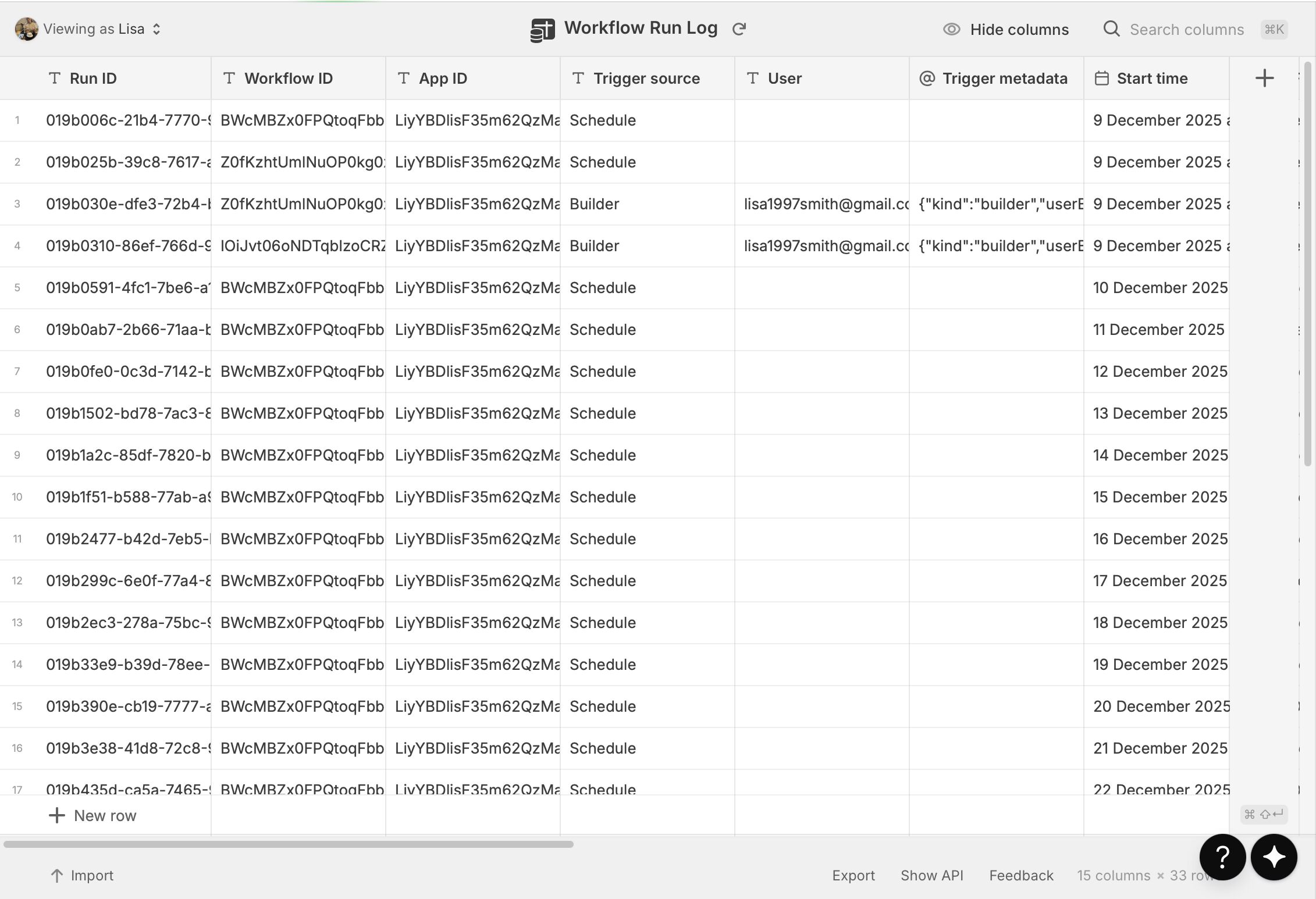
Your “Completed Habits Log Table” (the second image): This is like a diary where you record every single time you complete a habit.
Now, let’s make some improvements to how these tables work together:
Simplified Database Structure for Habit Tracking
Instead of repeating information like “User Email” or “Habit Name” in your “Completed Habits Log” table, which can lead to inconsistencies if you ever change a habit’s name, we can use a clever trick called a “Habit ID.”
Here’s how to set it up:
-
In your Master Habits Table: Add a new rowID column.
-
In your Completed Habits Log Table:
-
Remove columns like “User Email” and “Habit Name.”
-
Add a new column called “Habit ID.” Whenever your user “complete” a habit, write the master habit’s rowID to this column.
-
Relate the Tables: Now, you’ll “link” the rowID column in your “Master Habits Table” to the “Habit ID” column in your “Completed Habits Log” table using a relation. This creates a “multiple relation,” meaning one habit in your Master table can have many completed entries in your Log table.
-
Timestamp: Make sure you have a “Timestamp” column. Every time you complete a habit, this column will automatically record the exact date and time it was done. This is crucial for tracking.
- Adding Intelligence to Your Completed Habits Log Table:
- Seeing Today’s Progress in Your Master Habits Table:
-
Go back to your Master Habits Table .
-
Add a new column called “Completed Today?” (or something similar). This will be a “Rollup” column.
-
Rollup Logic: This “Rollup” column will look at all the related entries in your “Completed Habits Relation” and specifically check the “Today?” column in those entries.
-
“Some True” Condition: If any of the related log entries for a particular habit show “true” in their “Today?” column, then your “Completed Today?” rollup column will also show “true.”
-
If none of the related log entries for that habit show “true” for “Today?”, then it will show “false.”
You’re in building mode, which is great. I wonder if you aren’t a little ahead of yourself and perhaps need to plan your app a little more, to have clarity on its scope (feature, workflows) and the structure of your database. I’m not saying you having done this, but oftentimes if scope and database structure are unclear (or approximate), then eventually we get stuck in the building process.
HI
just wondering if you got my email? I have a few questions on it ?