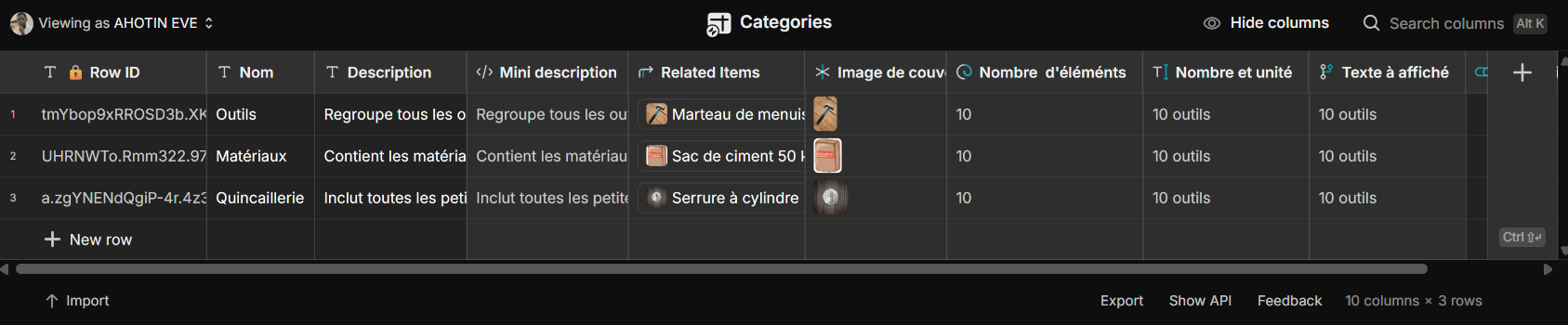
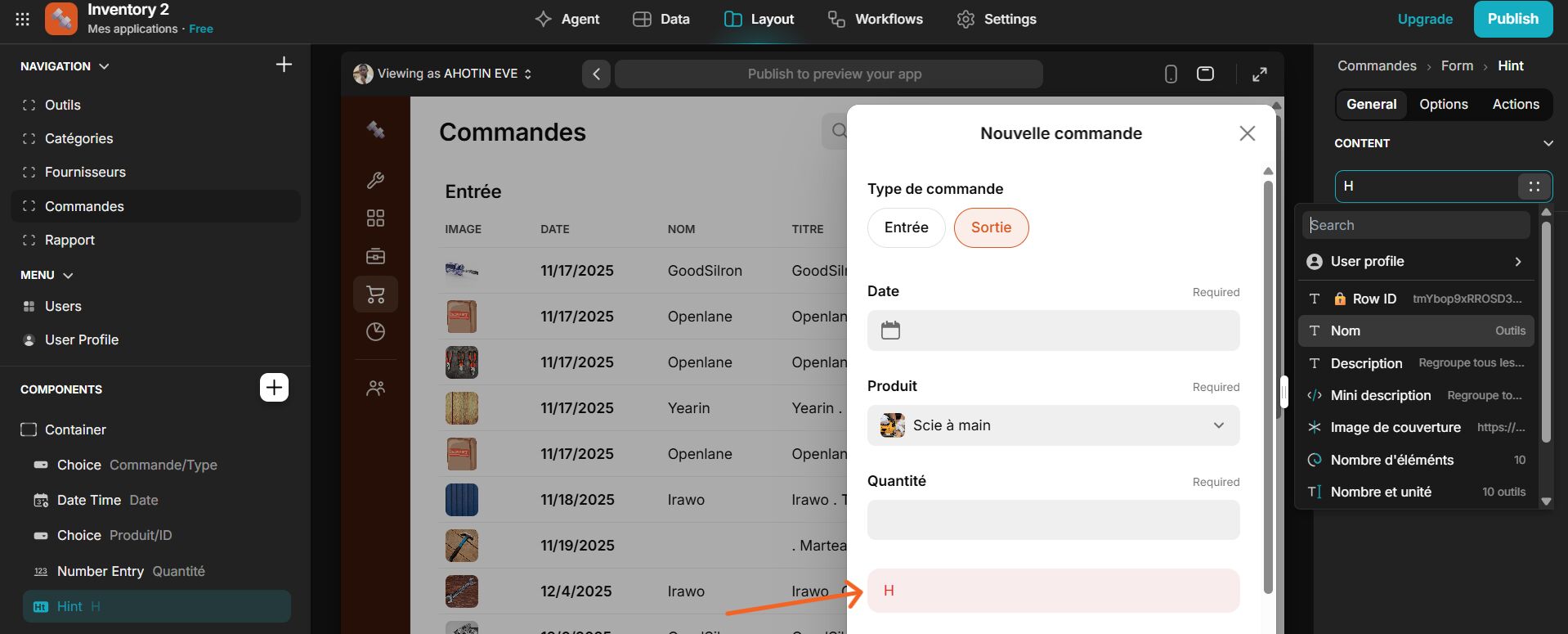
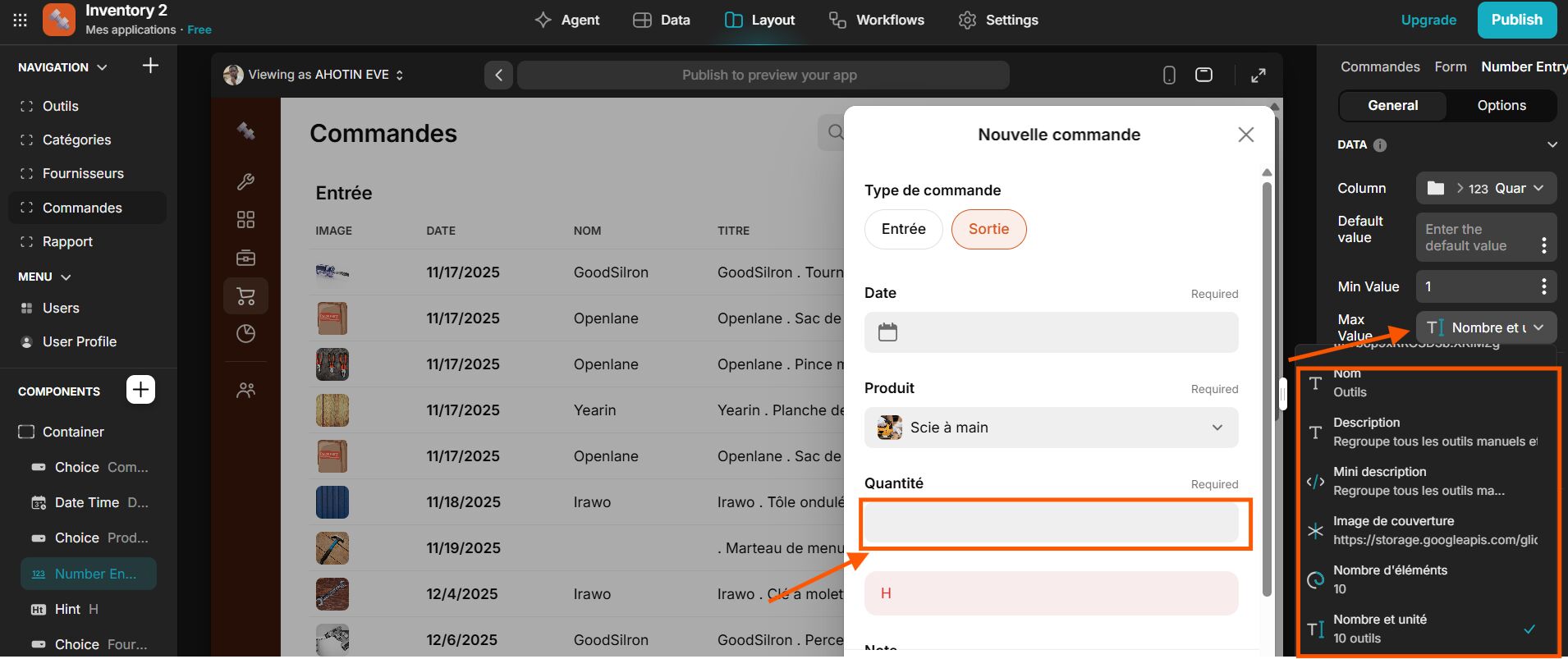
In my database, I’ve created several tables, one of which is called ‘products’. This table has a template column named ‘Quantities Remaining’. If the user wants to save an output order, I want to display the quantity in stock based on the selected product in a hint component and prevent them from entering a quantity greater than the actual stock level. To dynamically define the content of the component, the Glide component suggests columns from the category table instead of those from the product table.

You could do it as follows:
- Create two columns in your User Profiles table to hold the selected Product Type and Quantity
- Use those two columns to create a (single) Query to your Products table
- Fetch the “Quantities Remaining” value using a Lookup via the Query, and display that in your Hint component.
- Add the two User Profile columns (Product, Quantity) as User values to be submitted with the form.