Hi there everyone!
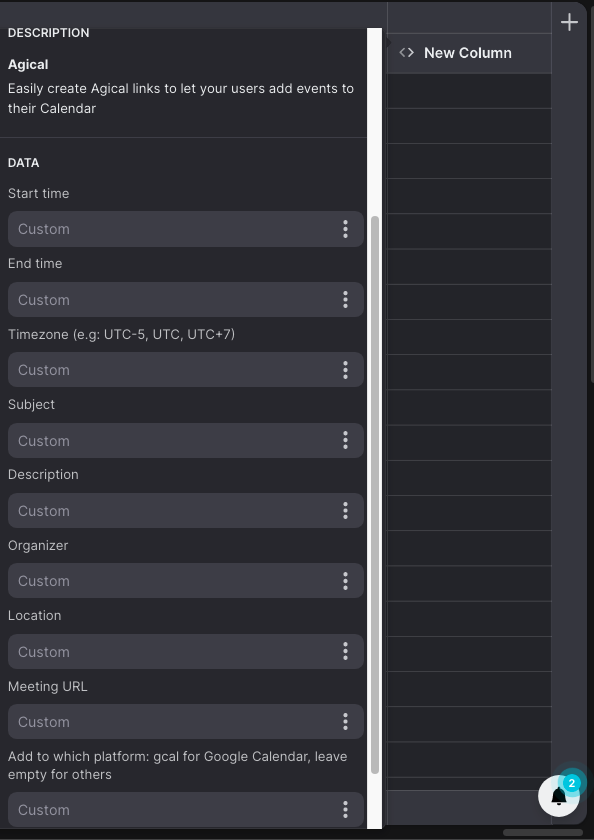
I’m trying to find a way to have a calendar event hosted in the app with a button that says “Add to Calendar”. I’d like for when the user to click the button, the data from that row in Glide Tables is used to call a URL to create an ICS file, that is then pushed back to the device as a new calendar event that they can add to their devices calendar.
I know there’s some older posts about agical.co but the site looks to have gone offline.
Does anyone know if:
- This is possible?
- There’s a service that supports this?
- Grabbing this data from the Glide Tables row is supported?
Thanks in advance!
I believe agical still works for me, you can try following these instructions.
Or use my experimental code column URL here.
https://thinhdinhlca.github.io/agical-link-creator/
Note: Start time & end time must be in this example’s format.
2011-08-12T20:17:46.384Z
Thank you! I’ll give this a try and see how the results turn out.
There’s a trick now. You could use a “Create File” action in the ICS format and then use the “Upload File” action to reupload it with a filename that ends in .ics and you can open that link and it adds it to the calender. Unfortunately on Iphone when you have the PWA installed on homescreen it doesn’t open correctly in the native calender app, it needs to open in the browser to work. Haven’t tested it on other devices, but should work.