Yeah, you are correct. It’s an invisible button now, but it does still work. Hope we can get the button back visible. Thanks.
Any word on making this existing components “record” button visible again? We use this in production so a hidden button does not work for our user base. Thanks.
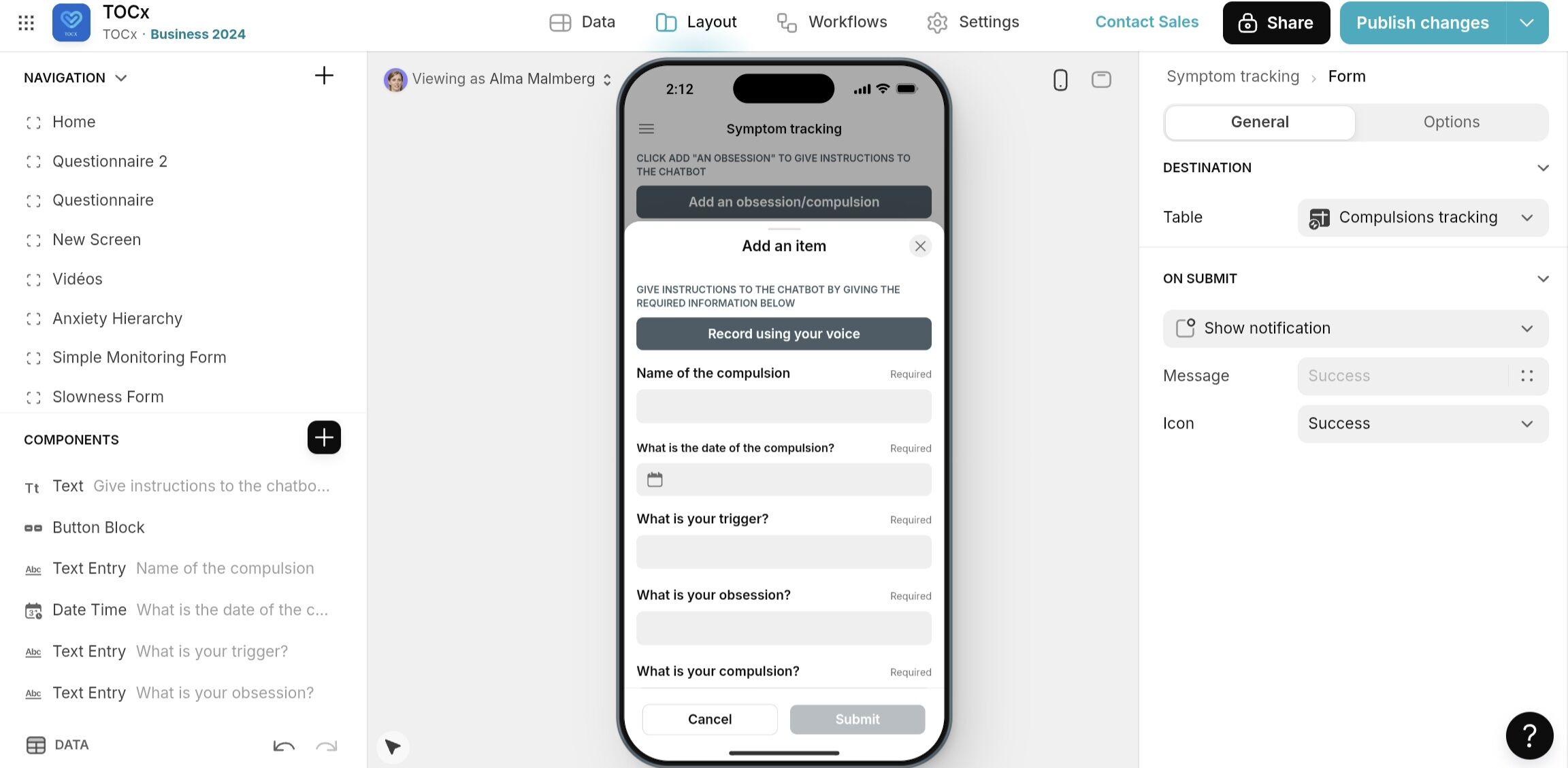
Hello, I have been testing the new Record and Transcribe option on Glide with my prototype app. I wasn’t able to get it to work in a form which is linked to a table with row owners (It does not Transcribe and input the data into the table).
I was however able to get it to work in a table without row owners. Am I missing something or is what I want to do not possible? Thanks in advance for your help!
@NoCodeAndy @DJP Can you check Alex’s case to see if this is a bug? Thank you.
What’s your app ID?
Hi here, I’ve been testing this component for a few days and seems to be ok. I would have a suggestion that the record and transcribe window should NOT be a slide in windows or at least there should be a way to avoid the “slide out”.
When the record in ongoing or complete and before the “Save” button is hit, the user can slide the windows out by mistake (very easily) and loose everything just captured
Hello Simon, did you manage to make it work since then?
I seem to encounter the same issues.. not able to have it work properly on iPhone or iPad.. and getting the above error on desktop during my testing..
I would be more that happy if you found a workaround since then.
It’s been a while since the post but yes it is working now. I can’t remember exactly the fix. I think it was to avoid row owners but I really can’t remember.

I remember now the key issue was related to the option to start recording as soon as the button is pressed vs. opening the dialogue window and then waiting for the user to select the microphone symbol. The latter was a more stable approach. Hope this works.
Hi,
Can you propose to add in the UI during record 3 buton upside de sound recording with 3 markdown : left side #, center ##, right p (paragraphe) with tones (like digital phones)
Like this a markdown is added in the transcrition including the markdown and paragraphes if AI is able to learn this🤣
The object is get something more humanized
I impressed this feature WOW!